Day Plans
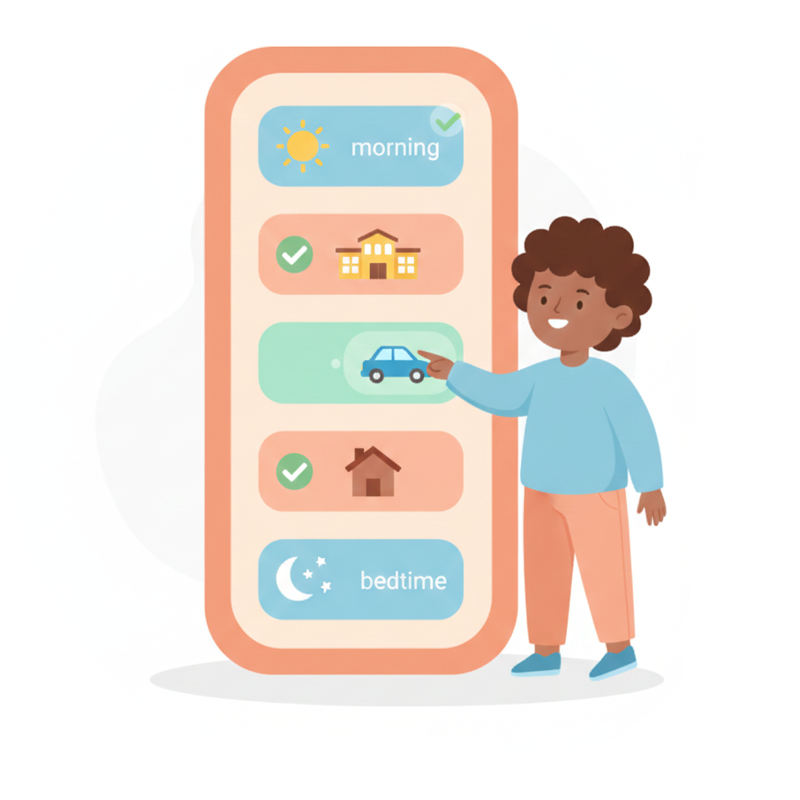
See the whole day at a glance. Day Plans help individuals with autism and developmental disabilities understand what's happening throughout the day, reducing anxiety about transitions and providing predictability.


Free to start. Optional Premium upgrade. No account needed. Data stays on your device.
What is a Day Plan?
A Day Plan is a visual overview of the entire day's activities. Unlike step-by-step routines that focus on completing tasks now, Day Plans show the bigger picture—helping answer "What's happening today?" and "What comes after this?"
Why Day Plans Help
- Reduce anxiety by showing what to expect throughout the day
- Make transitions smoother by previewing what comes next
- Keep focus on the present by minimizing completed activities
- Support flexibility with templates for different day types
Key Features
Visual Timeline
See the entire day laid out clearly with activities in sequence.
Current Activity Highlighting
The current activity is prominently displayed while completed ones fade away.
Reusable Templates
Save templates for school days, weekends, and holidays to reuse anytime.
Time Labels
Add morning, afternoon, evening labels or specific times to activities.
Today's Schedule Widget
Quick access from the home screen shows what's now and what's next.
Works Offline
Full functionality without internet. Perfect for anywhere, anytime.
See It In Action
Plan the day and track progress with an intuitive visual timeline.
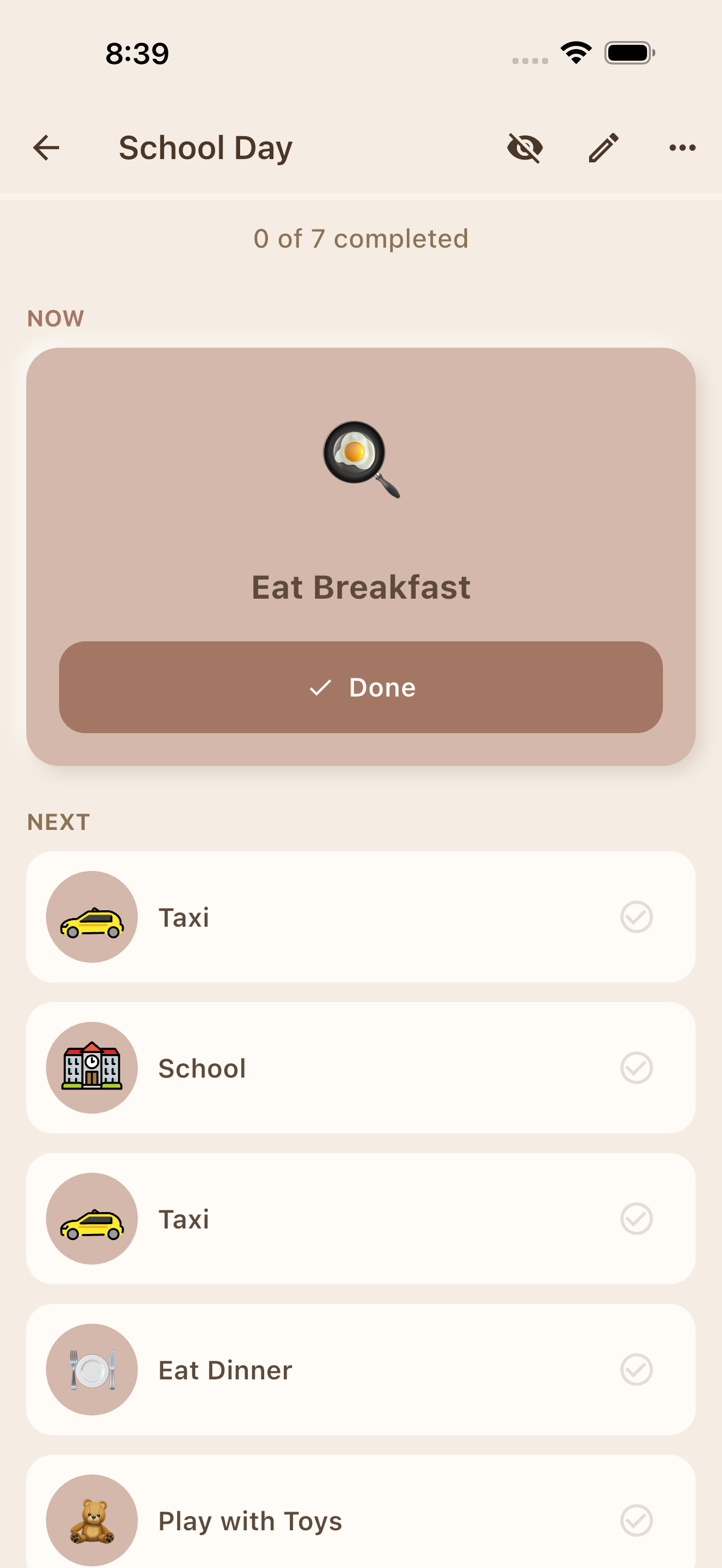
Visual Timeline
See the whole day with current activity highlighted
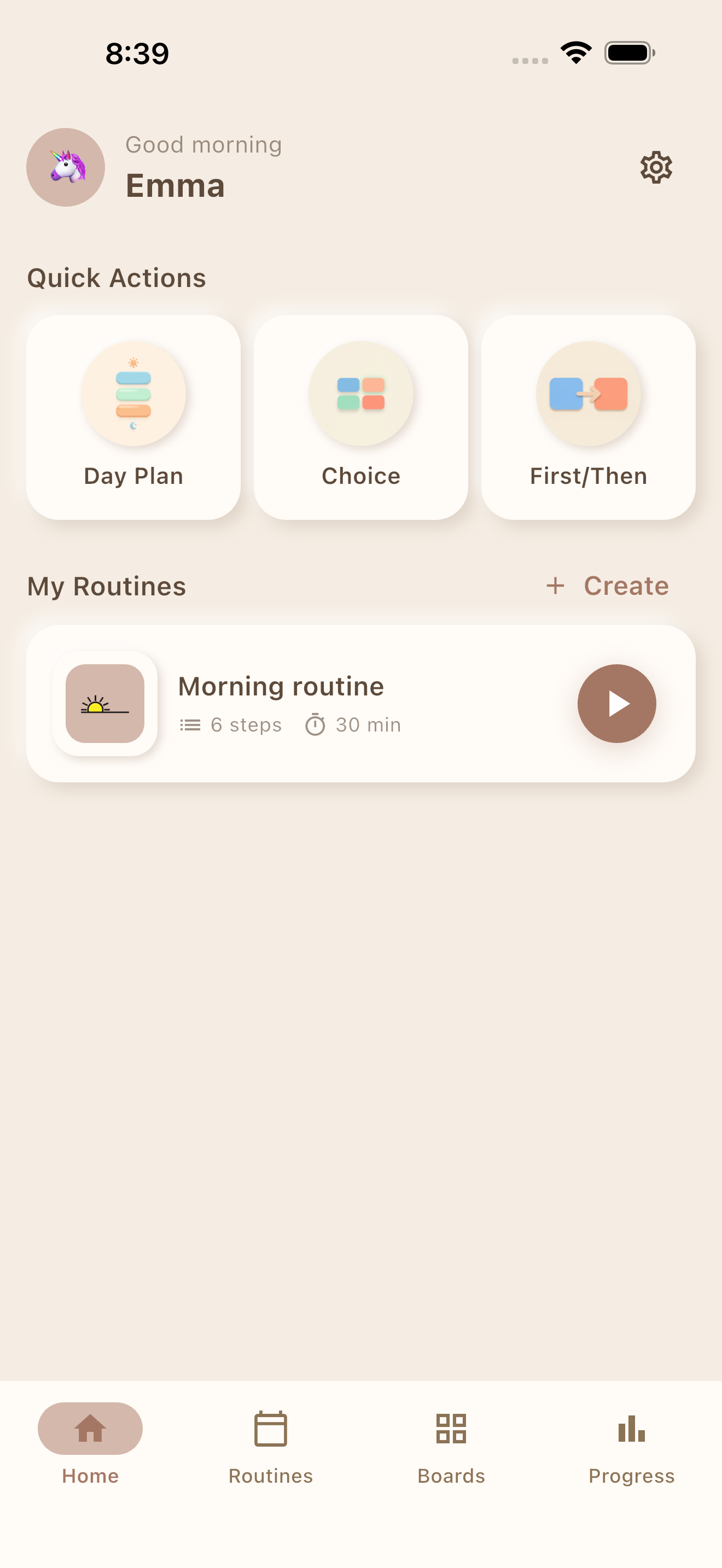
Quick Access
Access day plans from the home screen
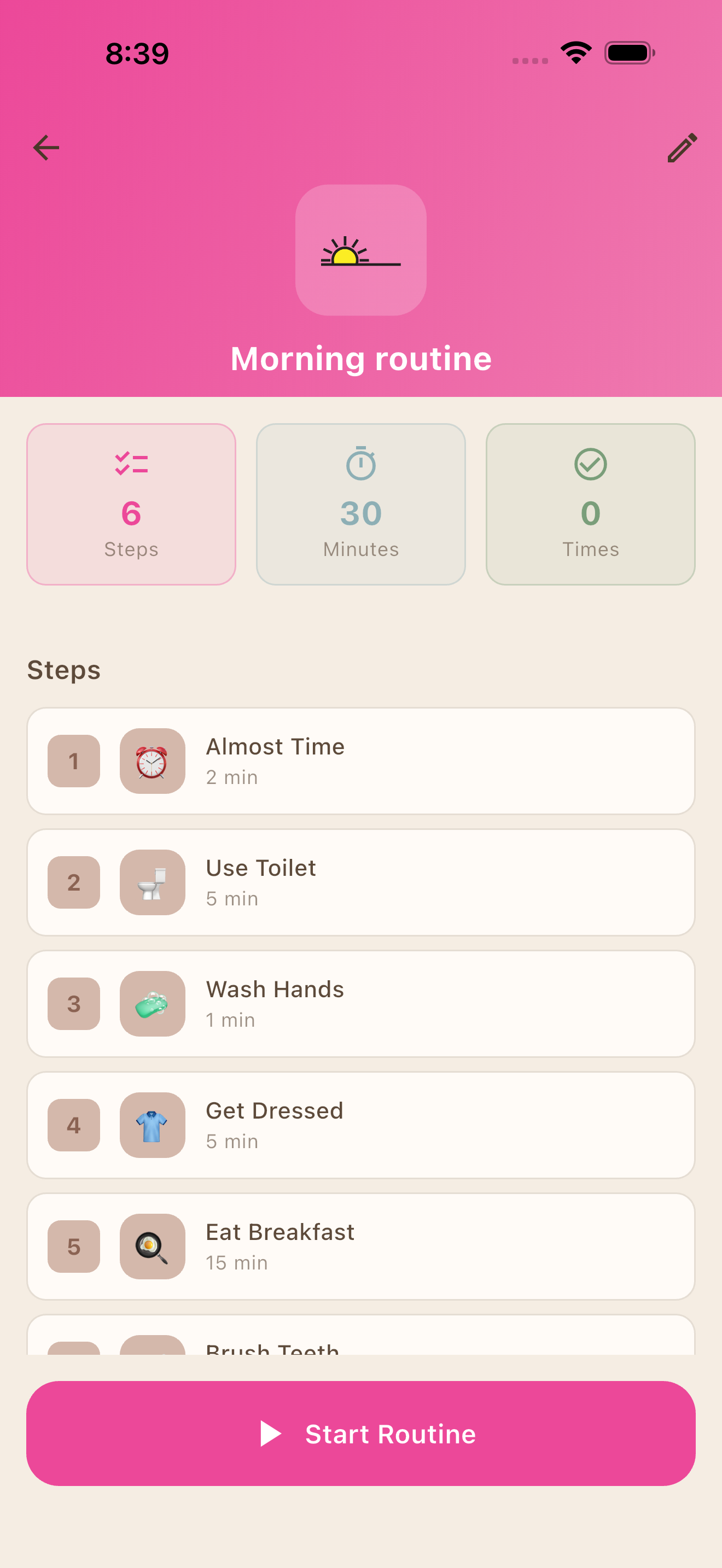
Build Your Plan
Add activities and customize your day
Perfect For
Frequently Asked Questions
How is a Day Plan different from a Visual Schedule?
Visual Schedules focus on completing tasks step-by-step (like a morning routine). Day Plans show the bigger picture of the entire day—what's happening now, what's next, and what's already done. They help reduce anxiety about transitions throughout the day.
Can I create templates for different types of days?
Yes! You can save any day plan as a template. Common templates include School Day, Weekend, Holiday, and custom categories. Apply a template to quickly set up a new day.
How do I mark activities as done?
Simply tap an activity to mark it complete. Completed activities are minimized or hidden to keep focus on what's current and upcoming.
Can I use my own photos in Day Plans?
With Premium, you can take photos using your device camera or select images from your photo library to personalize activities.
Ready to Plan Your Day?
Free to start. Optional Premium upgrade. No account needed.