A voice for every child
When words aren't enough, visuals speak.
The first time my non-verbal son used a choice board to show me what he actually wanted, everything changed. We were finally communicating. I built MyVisualRoutine so your family can have that moment too.
No account needed. Your family's data stays on your device.
Four visual supports for the moments that fall apart
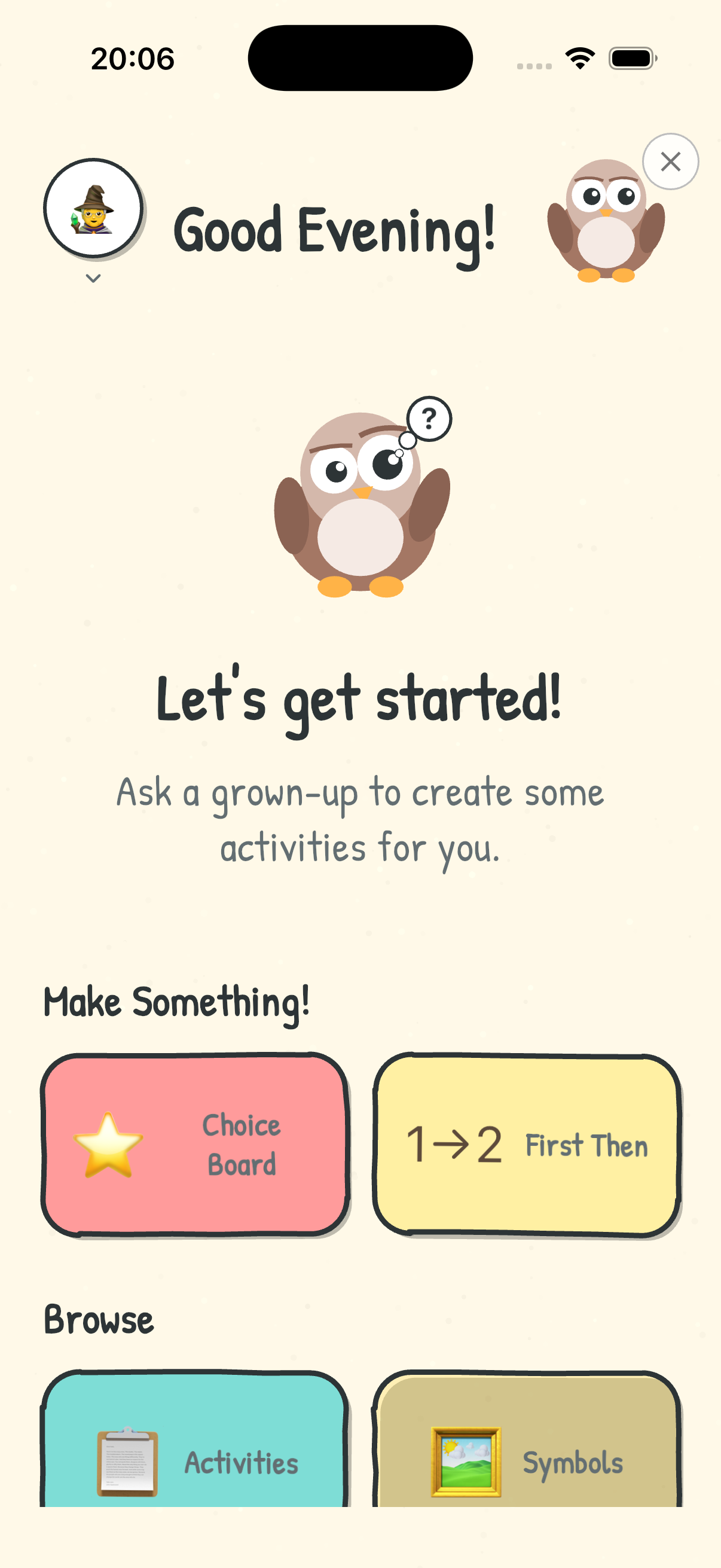
Transitions, choices and mornings are where days go wrong for children with autism, ADHD and other needs. Each tool in MyVisualRoutine is built for one of those moments. These are the actual screens you'll use.
Screenshot 1 of 5
-
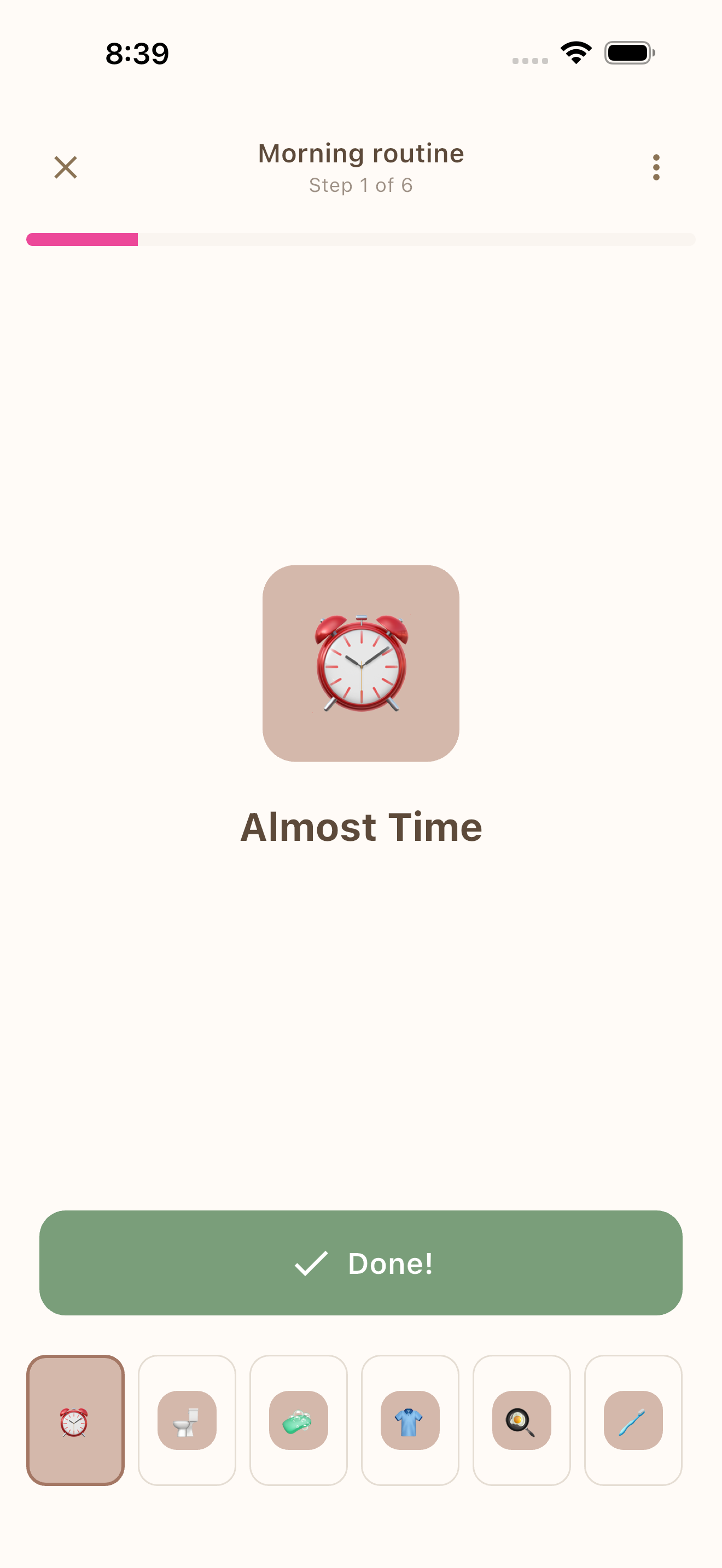
Visual schedules
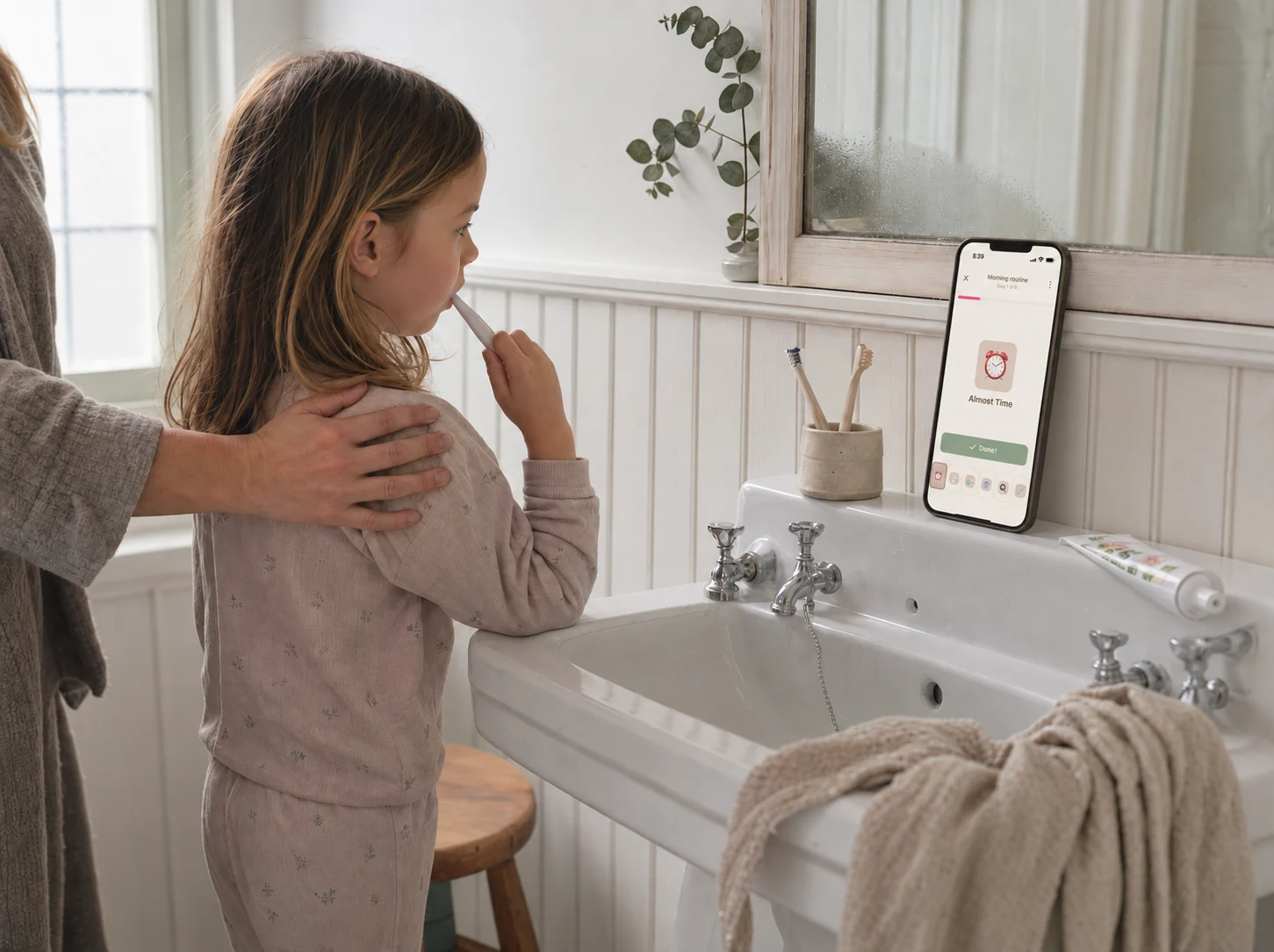
Step-by-step picture schedules for mornings, bedtime and school days. Your child sees what is now and what is next, and follows along on their own.
Learn more about Visual schedules -
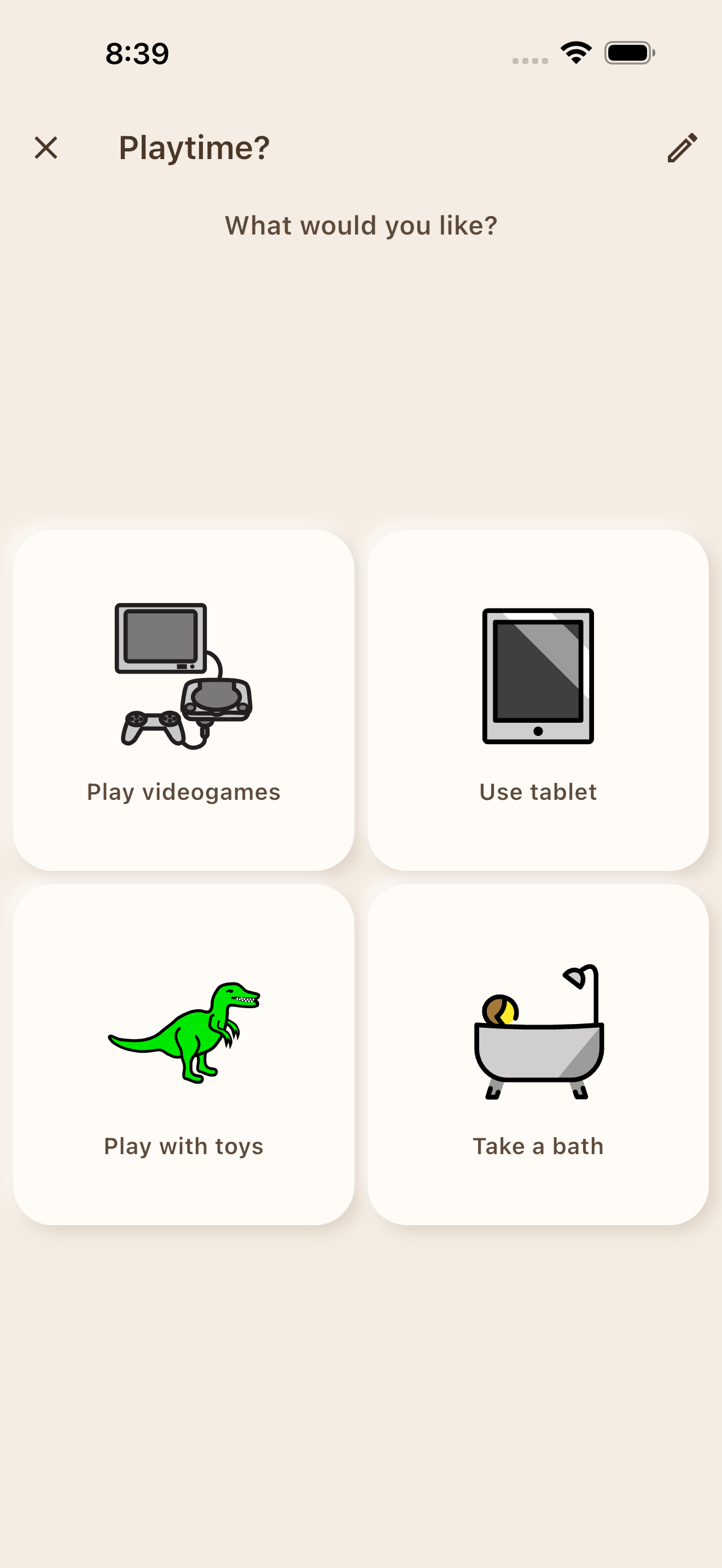
Choice boards
A simple AAC-style choice board so a non-verbal child can show you what they want, from snacks to playtime. A PECS-style tool that fits in your pocket.
Learn more about Choice boards -
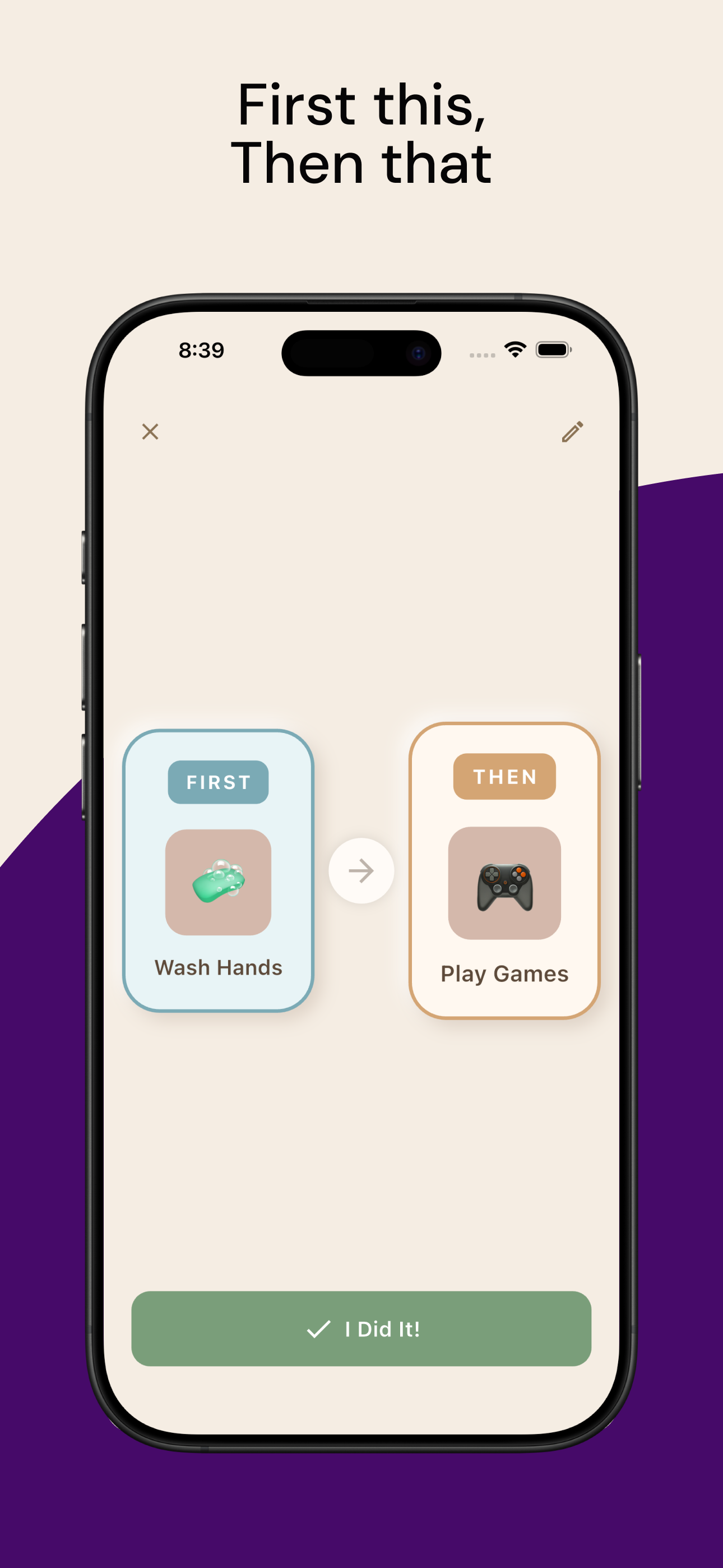
First/Then boards
“First homework, then tablet.” A clear visual expectation, grounded in ABA practice, that takes the fight out of transitions.
Learn more about First/Then boards -
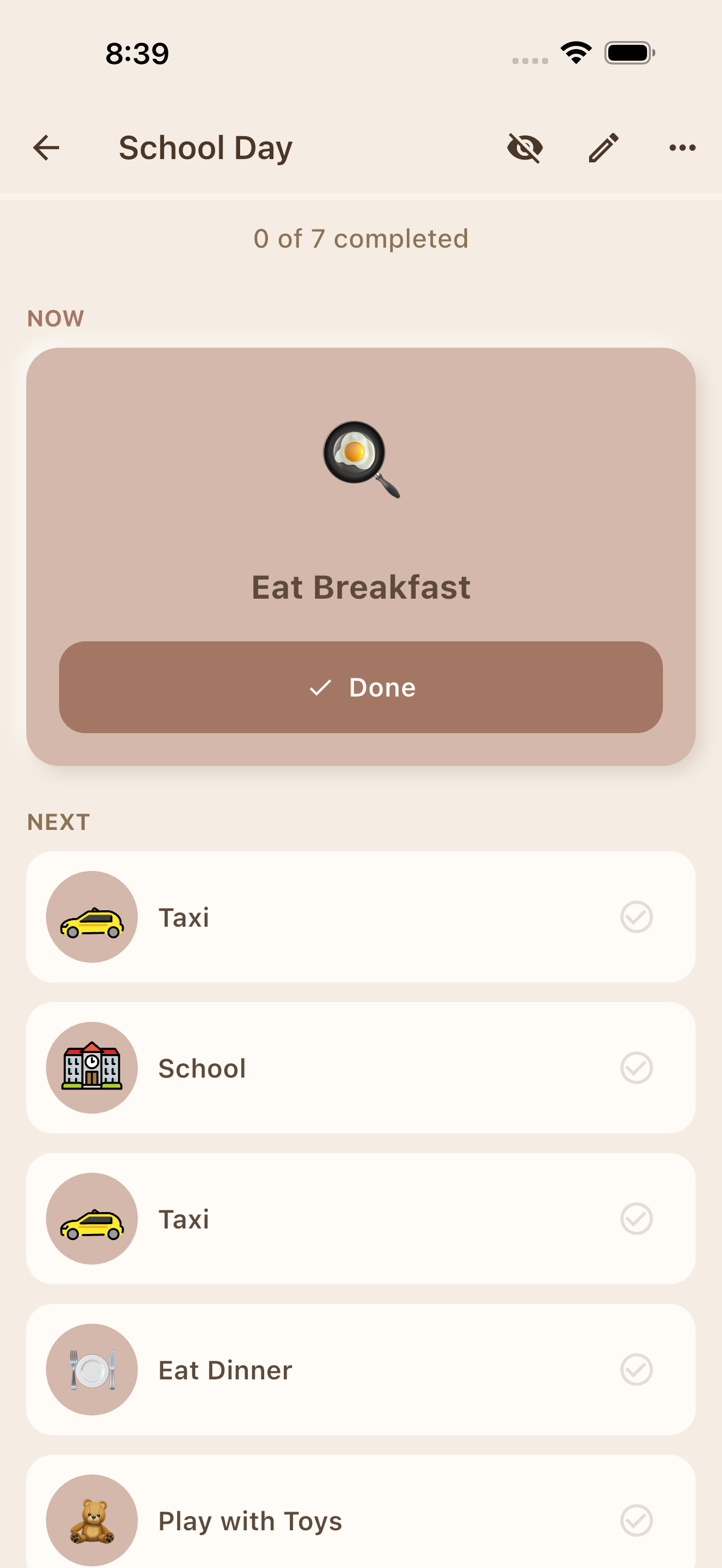
Day plans
The whole day at a glance on a visual timeline, so appointments, school and changes are never a surprise.
Learn more about Day plans -
Kids Mode
A locked, distraction-free view your child runs themselves. A PIN keeps them out of settings while they build independence.
How Kids Mode works about Kids Mode
Ready tonight: 50+ preloaded activities mean the first schedule takes minutes, not an evening. Add your own photos and voice when you're ready.
Coming to the web
Prefer to set things up on a computer?
The whole MyVisualRoutine app is coming to the browser, for parents, teachers and therapists who prepare visual supports at a desk. One subscription for every device.
See the web app- Routines, choice boards, First/Then boards, day plans and activities
- Print straight from the browser
- Kids Mode stays on the phone or tablet your child uses
Families See the Difference
Real stories from parents using MyVisualRoutine every day.
No more guessing
"We used to guess what our son wanted at every meal. Now he points to the choice board and we know right away. It's such a small thing but it's made our daily life so much smoother."
Rebecca M.
Parent of a 6-year-old with autism
From 60-minute mornings to 20
"Mornings used to take over an hour with constant meltdowns. We set up a visual schedule in MyVisualRoutine and within a week he was following it independently. He's proud of himself."
David & Sarah K.
Parents of an 8-year-old with ADHD
Simple and private
"Our daughter's therapist suggested visual schedules but every app we tried was either too complicated or wanted all our data in the cloud. MyVisualRoutine just works — and I trust it with her photos."
Maria T.
Parent of a 5-year-old with developmental delay
Custom photos made it click
"We started with the free version and it was already helpful. Once we upgraded, being able to add photos of his actual toothbrush and pajamas made the routine click — he recognized everything instantly."
James L.
Parent of a 4-year-old with autism
One app, two kids
"I have two kids on the spectrum and they need completely different routines. Having separate profiles for each of them in one app keeps us organized. I also love recording the instructions in my voice — it's like I'm right there with them."
Priya S.
Parent of two children with autism
Built by a parent, not a marketing team
Why families can trust MyVisualRoutine
I'm Torstein, a developer in Norway and the father of two non-verbal boys. Laminated cards changed our family, until we left the house without the right one. I built this app to be the binder that's always in your pocket, without handing our family's photos to a cloud. Read our story
- Grounded in established practice
- Visual schedules, choice boards and First/Then boards follow ABA, TEACCH and AAC principles used by therapists every day. See the research
- Private by design
- Your routines, photos and recordings stay on your device. No account, cloud sync, ads or advertising identifiers. Read the privacy policy
- Works offline
- Car, school, clinic, waiting room: the boards work without a connection, exactly when you need them.
- Free to start. Optional Premium upgrade.
- Core features are free. Premium is an optional upgrade for unlimited boards, custom photos and voice recording. Pricing questions
Help your child communicate — no words needed.
Built by a parent who lives the daily challenges. No complicated setup, just a simple tool that works.


- Free to start. Optional Premium upgrade.
- Data stays on your device